
Flexible installationInstall it on your hosting in minutes.
Simple support.Happy customers.
Manage tickets, customers and teams with a modern, organized and easy-to-use system.
✓ Easy to install✓ Production ready✓ Unlimited agents
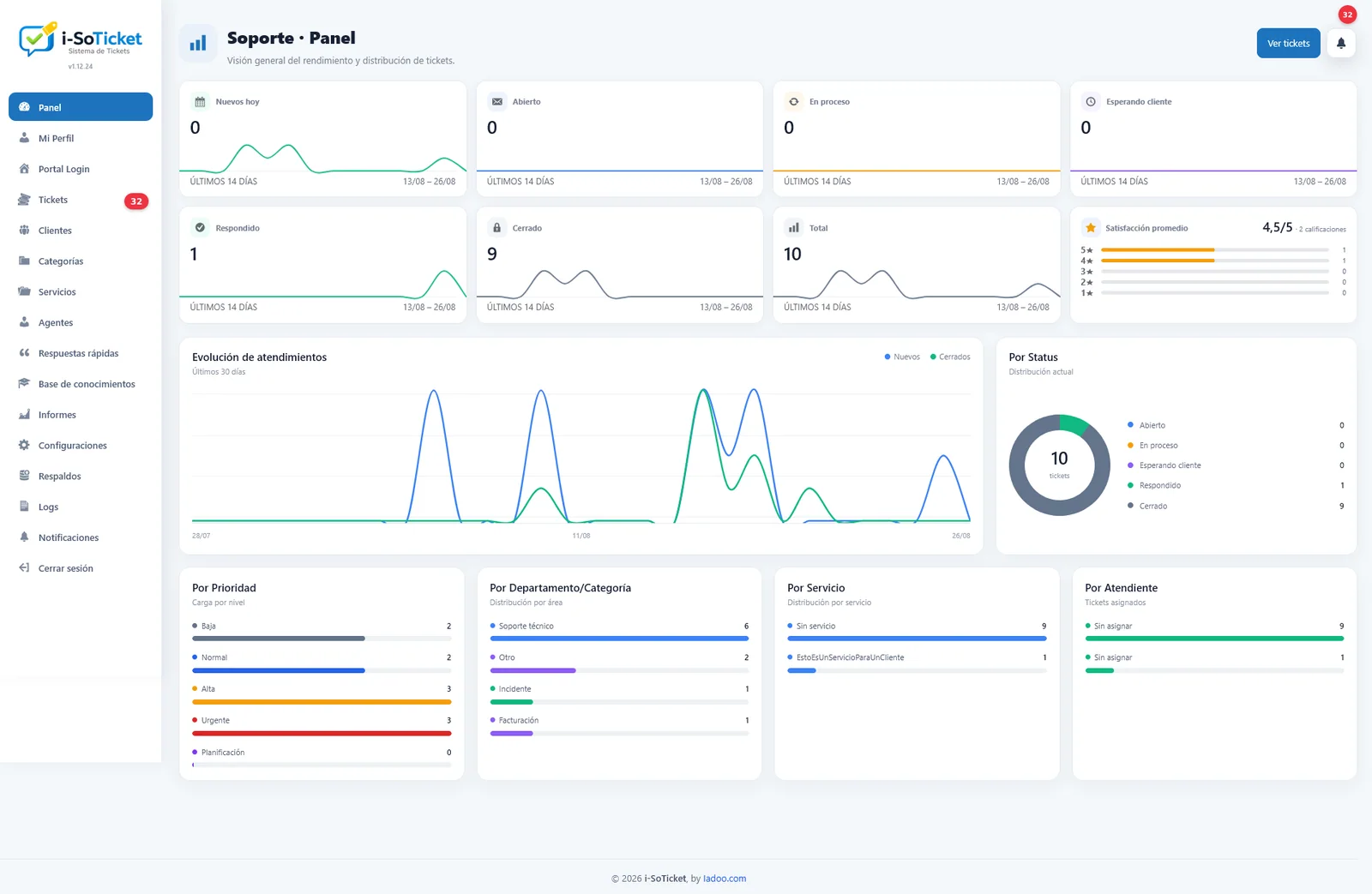
Compatible with any hostingcPanel, Plesk, CloudPanel, PHP and MySQL.
Cloudflare readyProxy, performance and security.
Everything you need to deliver great support
Complete features, presented simply.
1. Complete ticket management
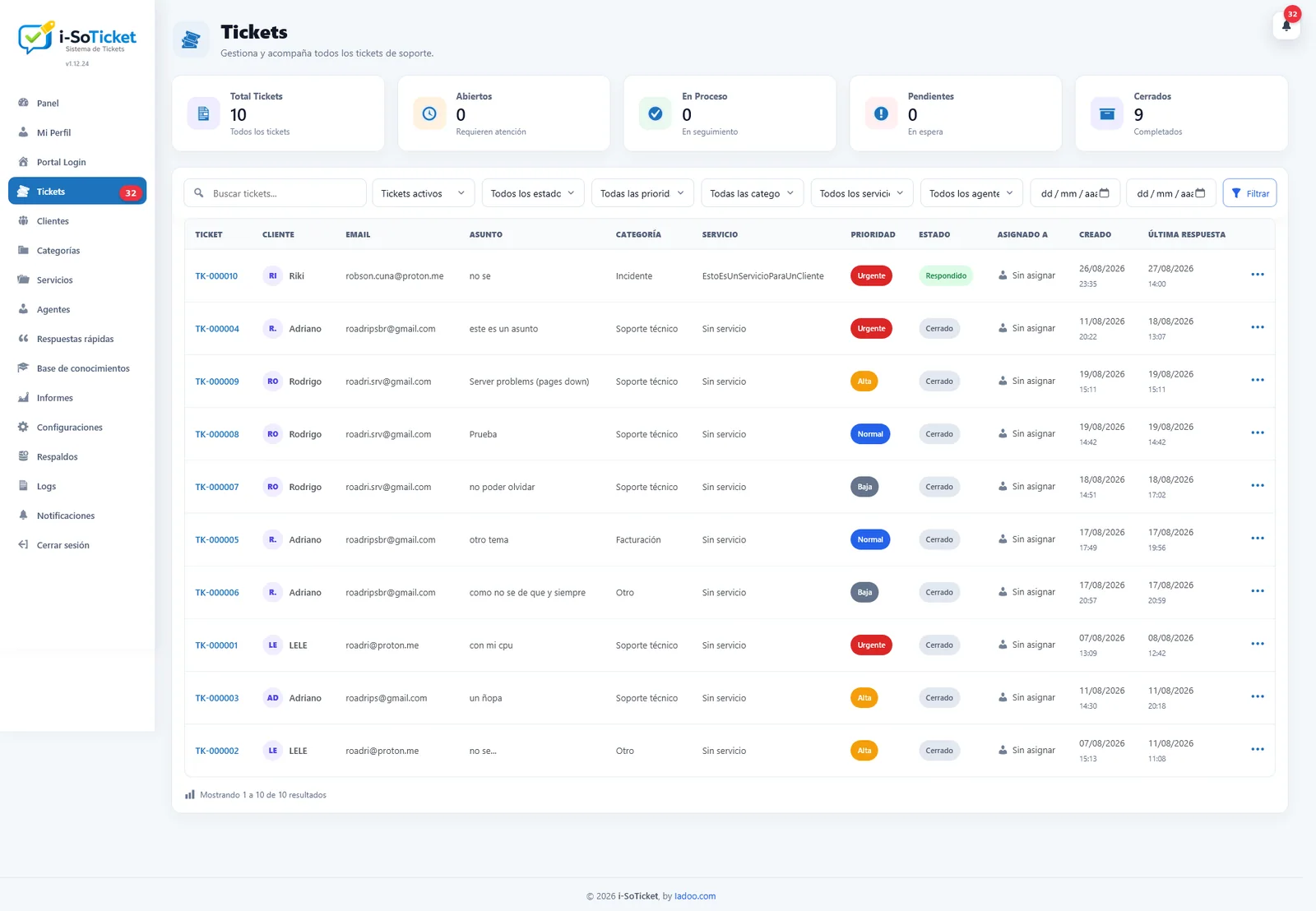
Statuses, priorities, categories, departments, agents, filters and attachments.
Tickets
◉ Purchase errorOpenHigh
◉ Billing questionIn progressMedium
◉ System accessResolvedLow
◉ Refund requestClosedMedium
2. Customer portal
Registration, secure access, password recovery, ticket viewing and replies.
Sign inForgot your password?
3. Customers and contracted services
Organize customers and assign one or more contracted services to each.
Customers
Juan Pérez2 services
Ana Gómez3 services
Luis Martínez1 services
4. Notifications and automations
Email, Telegram for administrators, schedules, alerts and automatic closing.
Email
Telegram notification
Automatic closing
Inactivity alert
5. Dashboard, reports and surveys
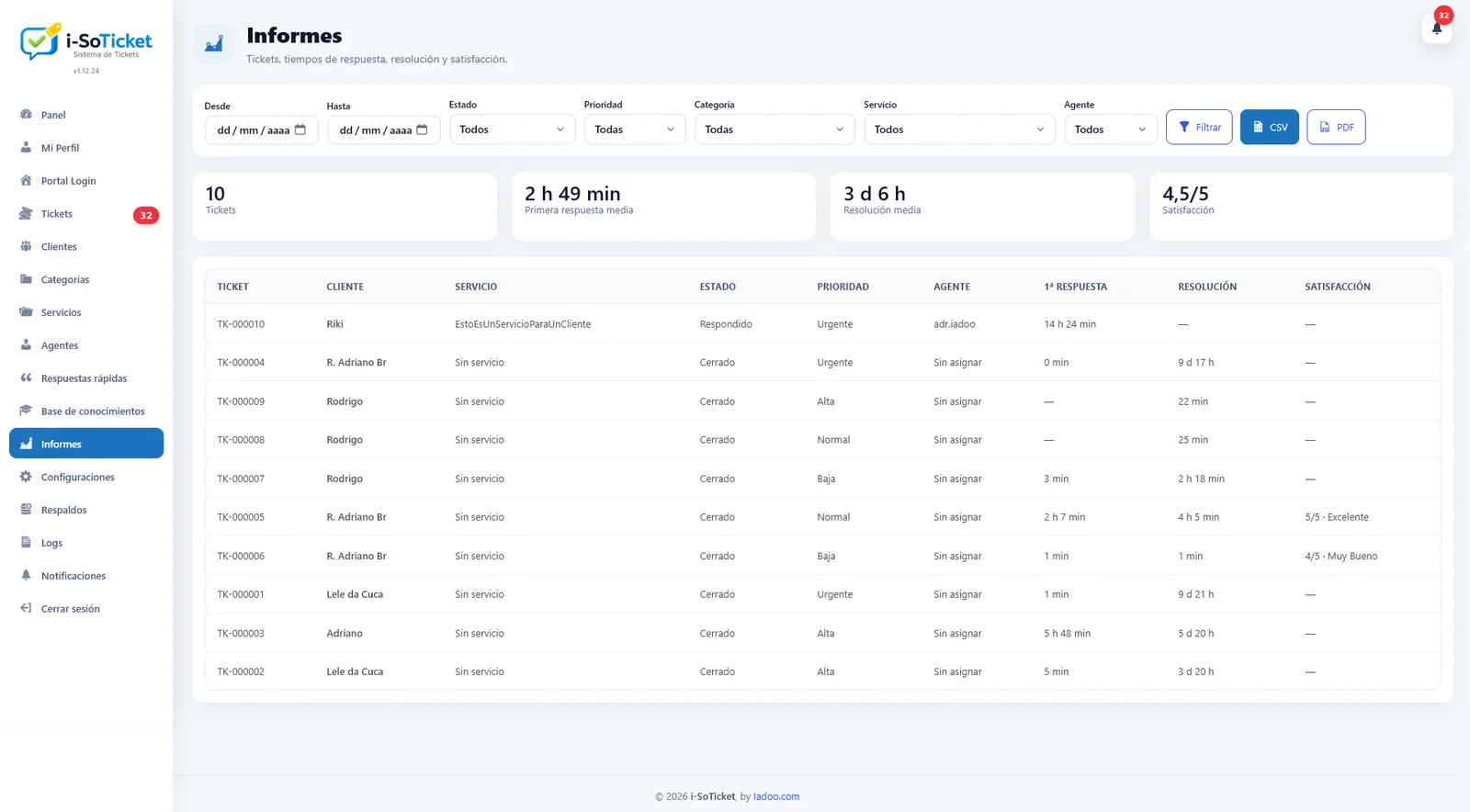
Metrics, charts, response times and customer satisfaction.
Tickets per day
● Open 128● Resolved 56● Satisfaction 98%
6. Settings, security and backups
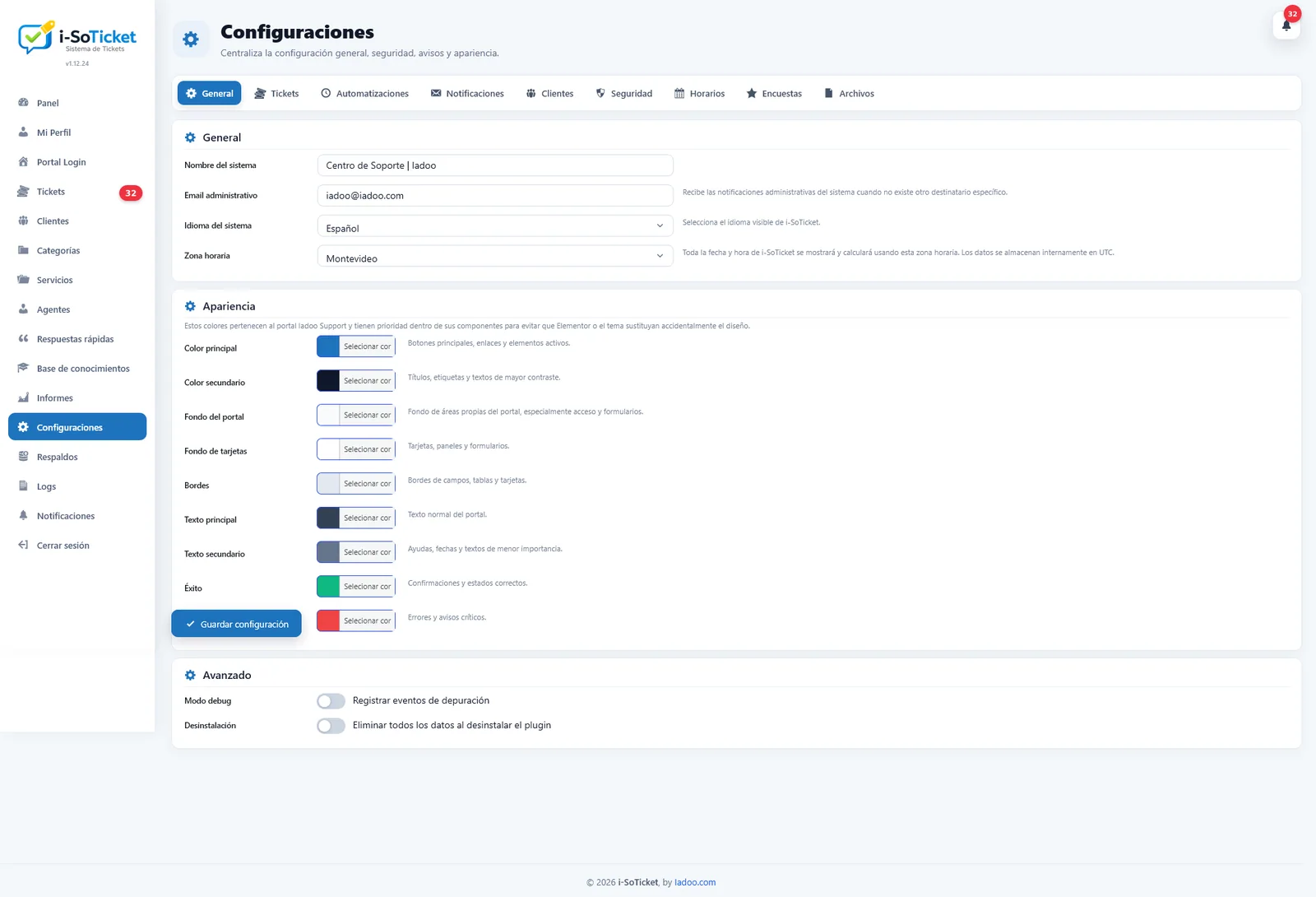
Customization, access, blocking, backups, restoration and logs.
General›
Access and roles›
Blocks›
Backups›
Error logs›
Tools that make work easier
Quick repliesSignaturesTemplatesAttachmentsInternal alertsSpanish and PortugueseSchedulesClose and reopenLogin images
REAL PRODUCT
A modern experience for your team and customers
A clean, fast interface that adapts to your workflow.
3 STEPS
Ready from the moment you install
The system automatically creates and assigns every required page.
Install the plugin
Upload and activate it in WordPress.
Configure it your way
Adjust the portal, rules and notifications.
Start supporting
The system is ready to use.
PROTECTION
Security and peace of mind for your support
Protected access
Configurable roles, permissions and blocking.
Secure passwords
Strong policies and protection against attacks.
Backup and restore
Manual and automatic copies with safe restoration.
Error logs
Records errors only to keep the system clean.
Cloudflare Proxy NGINX + PHP ES · PT · EN
Ready to improve your customer support?
Tell us what you need and we’ll get back to you shortly.